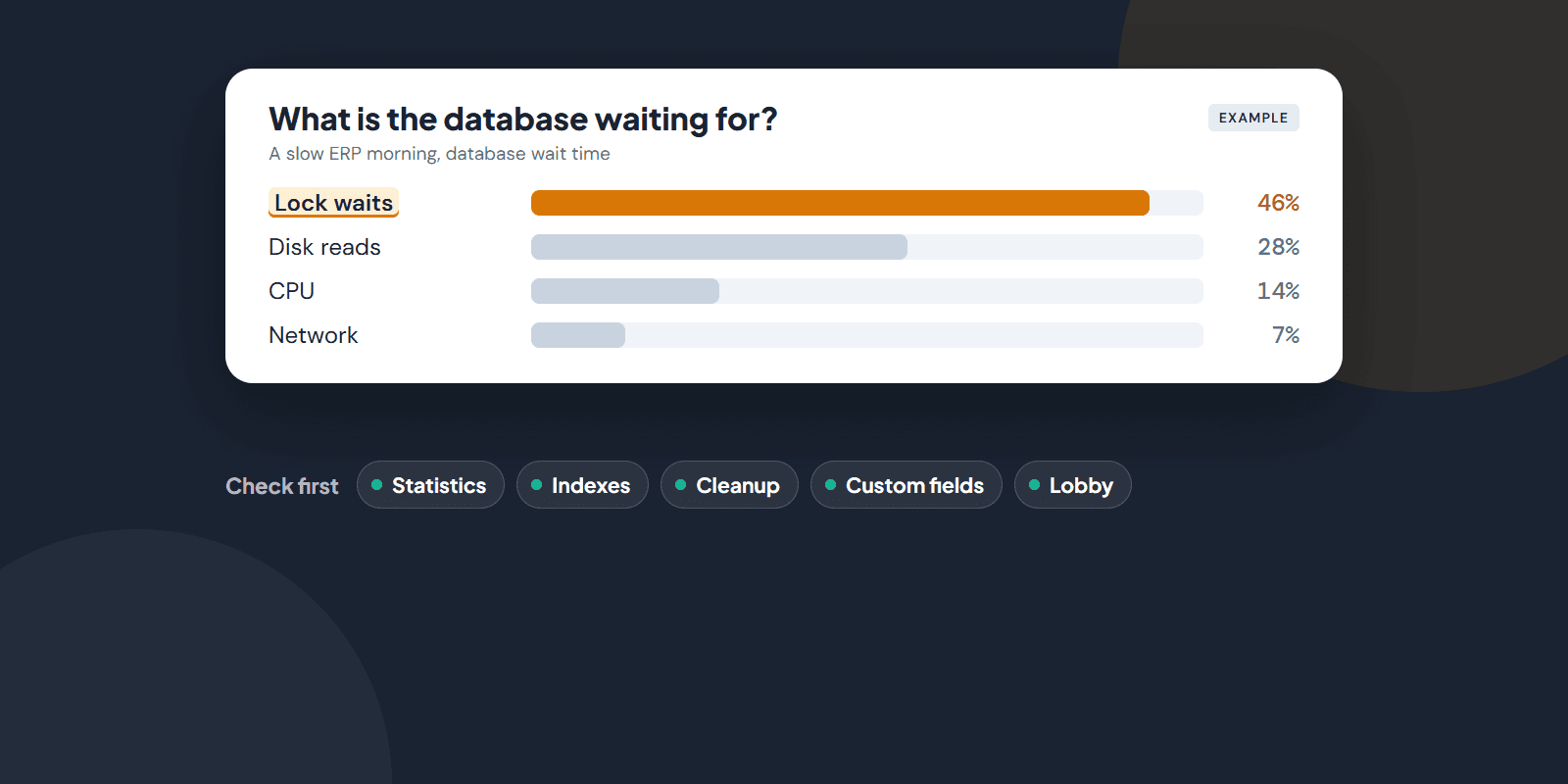
Short answer: Many IFS slowness complaints come not from the application but from how the Oracle database underneath is maintained. Stale statistics, data that is never cleaned up, heavy custom fields and crowded Lobby pages are the most common causes. Before buying a bigger server, find out what the database is waiting for.
This post is based on IFS's own technical documentation. Sources are at the end.
Why is IFS so dependent on Oracle?
Much of IFS ERP's business logic runs inside the database. So when the database slows down, the whole system slows down.
IFS Cloud's supported platforms list only Oracle 19c Enterprise Edition as the application database. In IFS Cloud the database must also run as a multitenant (container) database. IFS Applications 10 also runs on Oracle.
There is an important difference here. If you use IFS Cloud in IFS's own cloud, installation and operations are IFS's responsibility. If you run it on your own infrastructure (Remote deployment), database maintenance stays with your IT team. That has always been the case for IFS Applications 10 and earlier.
The most common causes of a slow IFS
1. Statistics and indexes. IFS's own operations checklist puts this first: administration jobs that keep Oracle statistics up to date and rebuild skewed indexes must be in place. IFS's "Gather Statistics" task exists for this, and IFS normally recommends its Automatic setting. There is a trap: if both Oracle's own job and the IFS task do the same work, they can undo each other. Check which one is running, and do not run both.
2. Data that is never cleaned up. Indexes grow after large deletions. IFS offers the "Rebuild Indexes" task for this. There are also cleanup tasks for old background jobs and history records. If these tasks were never set up, or the retention period is very long, tables grow for years for no reason. IFS recommends shortening the retention period in small steps, not all at once.
3. Custom attributes. Every custom attribute added to IFS slows down the pages, reports and APIs where it appears. Attributes that look up other tables or are calculated cost even more. According to IFS's documentation, the core business logic is not affected. So the slowness is often felt exactly on the screens built for your company.
4. Lobby pages. Every element on a Lobby page sends its own query to the database. IFS groups elements by speed and recommends avoiding the slowest (red) group. Calling PL/SQL functions inside SQL statements also hurts performance badly. A crowded Lobby page that everyone opens first thing in the morning can wear out the database on its own.
5. Synchronous workflows and event actions. Workflows that run while a user saves a record add directly to the screen's response time. PL/SQL code in event actions also needs tuning like any other database code.
There is a small win on the user side too: hide the columns you do not use in lists. According to IFS's documentation, data for a hidden column is no longer fetched from the database, so the list loads faster.

Dtech Bilişim has provided Oracle database support since 2011.
Where should you look first?
Start with measurement, not guesswork.
If you use IFS Cloud: IFS Cloud has a performance screen that shows the runtime of custom fields (Custom Field Runtime Performance). It automatically lists queries that take more than 2 seconds on average. It needs no extra licence, so it is a good starting point.
On the database side: Look at wait events, the queries that use the most resources, when statistics were last gathered, and sessions blocking each other. We cover this in more detail in our post on Oracle database performance problems.
Watch out for the licensing trap: The most common Oracle tool for this analysis is the AWR report. IFS's own documentation says AWR and Enterprise Manager need additional Oracle licences. According to Oracle's licensing documentation, these tools require the Diagnostics Pack, which is a separate paid option. Without that pack, the free Statspack tool gives a similar analysis.
Then there is the Oracle licence that comes with IFS. It is usually a type that can only be used for IFS (Application Specific Full Use). By Oracle's definition, this type of licence runs only with the named application. According to answers on the IFS Community, running a non-IFS application on the same database falls outside this licence. Check your licence before adding another system to the database.
What changes on the database side when you move to IFS Cloud?
A direct upgrade to IFS Cloud is supported only from IFS Applications 10. IFS Applications 9 customers move to 10 first, then to IFS Cloud.
The main points on the database side:
- Oracle 19c Enterprise Edition, as a multitenant database.
- Unicode character set. If your database is not Unicode, it has to be converted before the IFS upgrade. IFS recommends the AL32UTF8 character set.
- Data export and import is the DBA's job. IFS's upgrade documentation states clearly that export/import is not part of the IFS Cloud application and is an Oracle DBA responsibility.
So decide at the start of the project who will run the database side of your IFS Cloud upgrade.
Your own team or outside support?
If you have an experienced Oracle DBA in-house, you can do most of these checks yourself. If not, or if your team has no time, getting regular maintenance and the database side of the upgrade from outside gets results faster.
At Dtech we provide Oracle database support to companies running IFS ERP: performance diagnosis, regular maintenance and the database side of moving to IFS Cloud. Details are on our Oracle database support page.
🗄️Is your IFS slow? Let's look at the database side together.
Book a CallSources
- IFS Cloud: supported platforms
- IFS Cloud: performance and operations guidance
- IFS Cloud: Lobby performance
- IFS Cloud: Gather Statistics task
- IFS Cloud: Rebuild Indexes task
- IFS Cloud: data cleanup task schedulers
- IFS Cloud: system performance screens
- IFS Cloud: upgrade considerations
- IFS Cloud: Unicode and character set
- IFS Community: two-step upgrade from IFS Applications 9 to IFS Cloud, answer by an IFS employee
- IFS Community: scope of the Oracle licence that comes with IFS, answer by an IFS employee
- Oracle Database 19c Licensing Information
- Oracle software licensing basics (PDF)
Found this useful? Share it with your team.